Document Digitization and Management
Digitize your paper archive.
Move from boxes and file rooms to a shared digital archive. OpenDrawing coordinates scanning, indexing, and setup so your team can find the records it needs in one place.
How it works
Scope and scan
Determine the document types, volume, and handling requirements. Scanning can usually start immediately, with a documented chain of custody through our scanning partner’s facility.
Extract and index
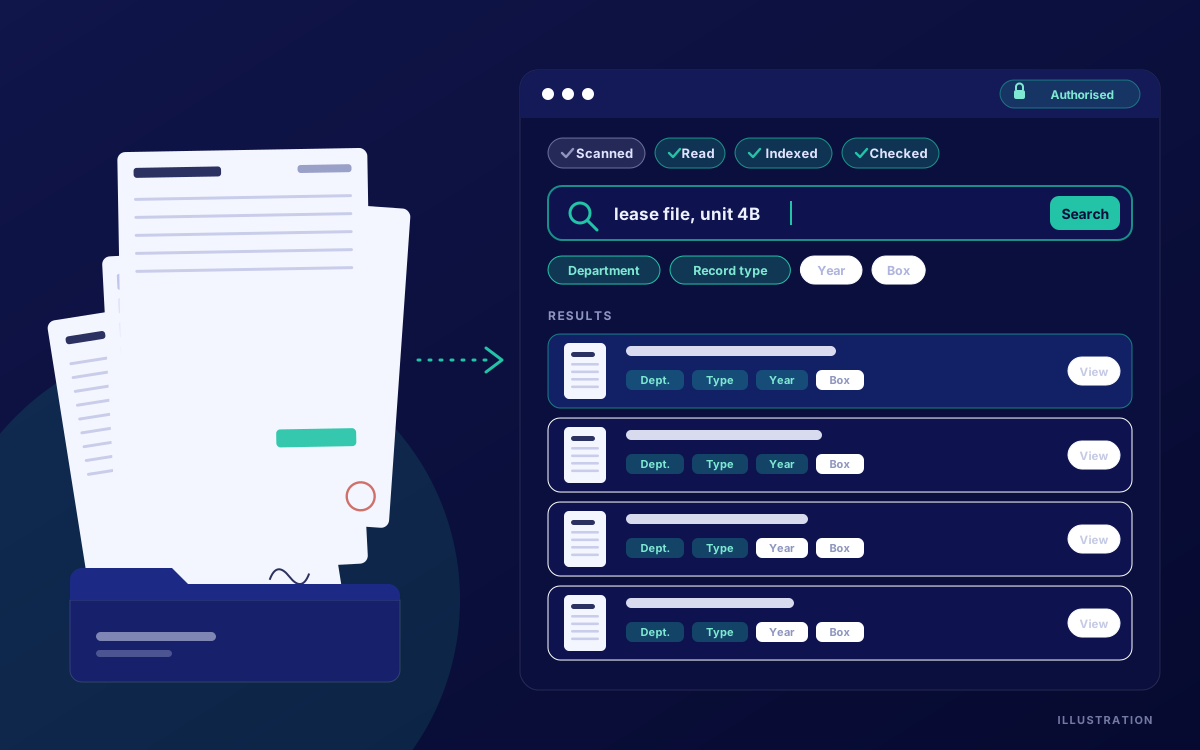
OCR models trained on your document samples capture the fields you search by. We coordinate scanning, indexing, and quality control; total turnaround depends on project size.
Search and manage
Launch your archive in the cloud or on premises, with administrator-set permissions. Determine export formats and whether originals will be destroyed after scanning during scoping.
Document digitization & management
Index around your records
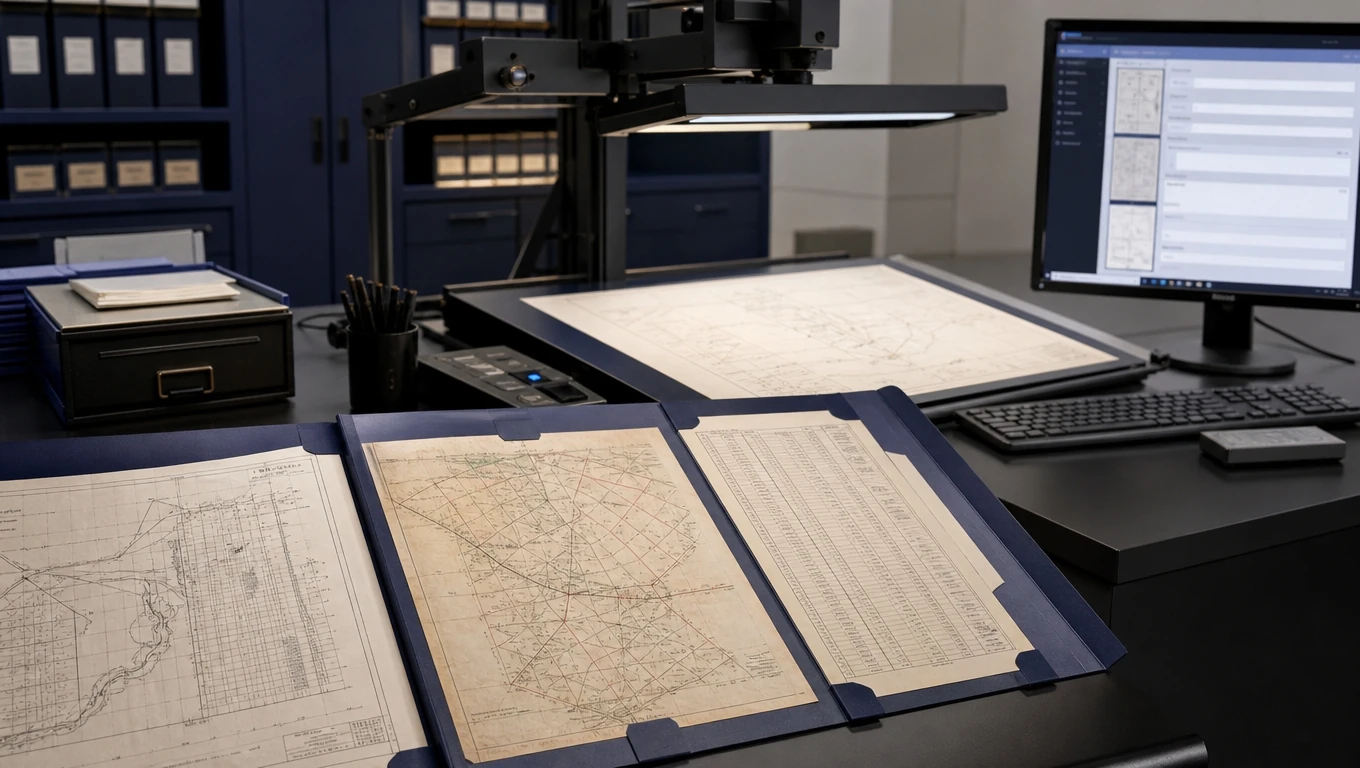
Our specialized computer vision models make sense of complex documents, including engineering diagrams, maps, and tables. Trained on your document samples, they extract the fields your team uses to find and organize records.
Give staff a shared place to search
Multiple users can search indexed fields and open documents from a single system. Administrators set user permissions for access to the archive.
Coordinate the whole transition
One point of contact brings scanning, indexing, quality control, and system setup together. Documents are tracked with a documented chain of custody through scanning.
Use case: Building department records
For a building department with decades of permits and plan sets in storage, digitization can replace a physical file search with a search by address, permit number, or parcel ID.
Paper archive
A records request starts with a physical search. Staff work through stored files to locate the permit or plan set associated with an address or parcel.
With ODRecords
The archive is scanned and indexed by agreed fields, such as permit number, address, parcel ID, and date. Staff search those fields and open the associated digital record.
FAQ
How long does digitization take?+
Turnaround depends on the size and requirements of your archive. Scanning can usually start immediately if you need to get the project moving quickly; the full delivery schedule is scoped with you.
Can we choose the fields used for search?+
Yes. OCR models are trained on samples of your documents to capture the fields your staff uses, such as permit numbers, addresses, zip codes, and dates.
Can administrators control access?+
Yes. Administrators can set user permissions, and multiple staff can search the archive and open documents within the system.
What happens to the original documents?+
Originals can be destroyed after scanning. We agree document handling and disposition arrangements with you during project scoping, including any requirements your organization needs us to address.
Can the archive run on our premises?+
Yes. ODRecords supports cloud and on-premises deployment. We discuss your preferred setup and requirements as part of the project.
Start with the records your team needs to find.
The most important part of an AI implementation is defining exactly what you need it to automate from the start. We use that scope to configure the fields and searches your team relies on, so finding the right record takes as few clicks as possible.
Book a demo